
IGLink Instagram Tools & Media Downloader
Paste any public Instagram reel, video, photo or carousel link and download the original file in HD. Free, no login, no app and no watermark.
For public content only. Respect copyright and Instagram's Terms of Use.
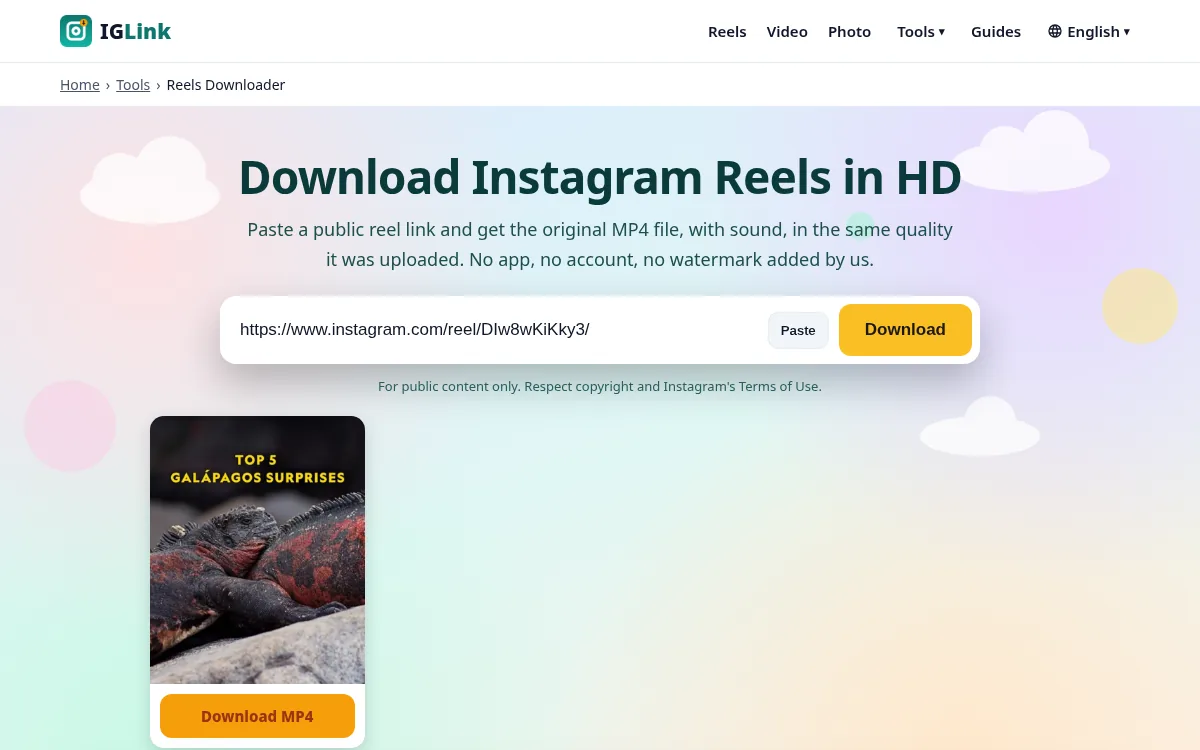
All Instagram download tools in one place
Each tool has its own page tuned for that type of content. Pick the one you need or paste any link above and we'll detect it automatically.
Reels Downloader
Paste a public reel link and get the original MP4 file, with sound, in the same quality it was u…
Video Downloader
Save videos from public Instagram posts, reels and old IGTV links as MP4 files. It works in any …
Photo Downloader
Get the full-resolution JPG of any public Instagram picture, up to 1440 px wide, instead of a bl…
Carousel Downloader
Carousels hold up to 20 photos and videos. Paste the post link and we show every slide in order,…
Story Downloader
Paste a story link to check it. Since Instagram now requires a logged-in session to view Stories…
Highlights Downloader
Highlights are Stories pinned to a profile. Like Stories, they now need a login to view, so here…
IGTV Downloader
IGTV was folded into reels and video posts in 2022, but millions of old /tv/ links still work. P…
Instagram to MP3
Pull the sound out of a public reel or video and save it as a 192 kbps MP3. Great for voice note…
Profile Picture Downloader
Type a username (like natgeo) or paste a profile link to see the profile photo bigger than the t…
Thumbnail Downloader
Grab the cover frame of a reel or video as a still image, handy for playlists, blog embeds, desi…
Font Generator
Type anything and copy it in more than 20 styles that work in Instagram bios, captions, names an…
How to download Instagram Reels, videos and photos
- 1
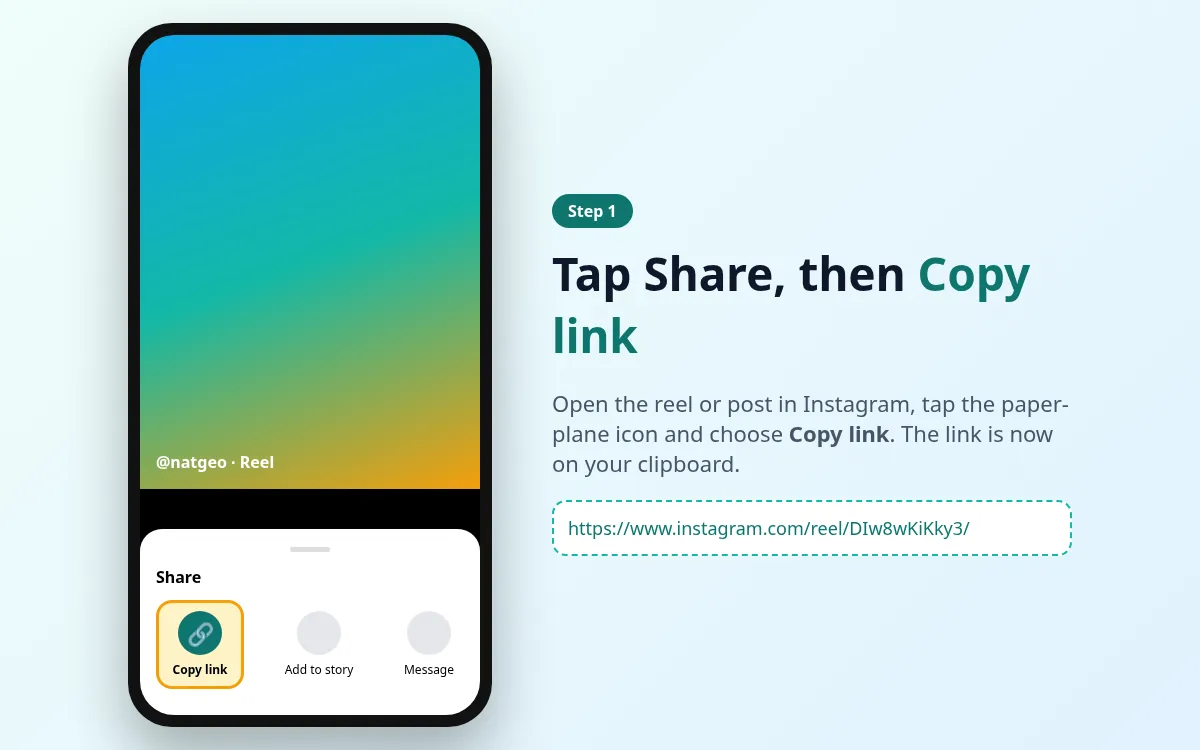
Copy the Instagram link
Open the reel or post in the Instagram app or on instagram.com. Tap the Share (paper plane) icon or the three dots, then tap Copy link.
- 2
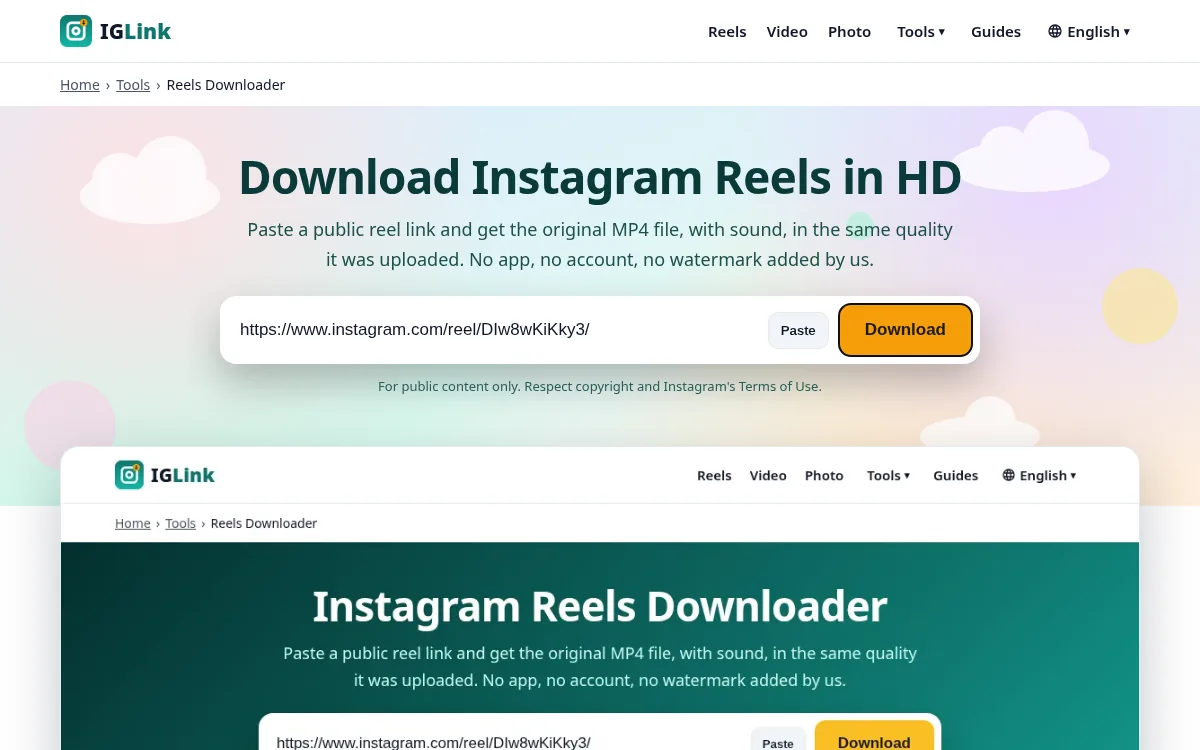
Paste it into IGLink
Come back to this page, tap the input box and press Paste (or Ctrl+V / Cmd+V). Then tap Download.
- 3
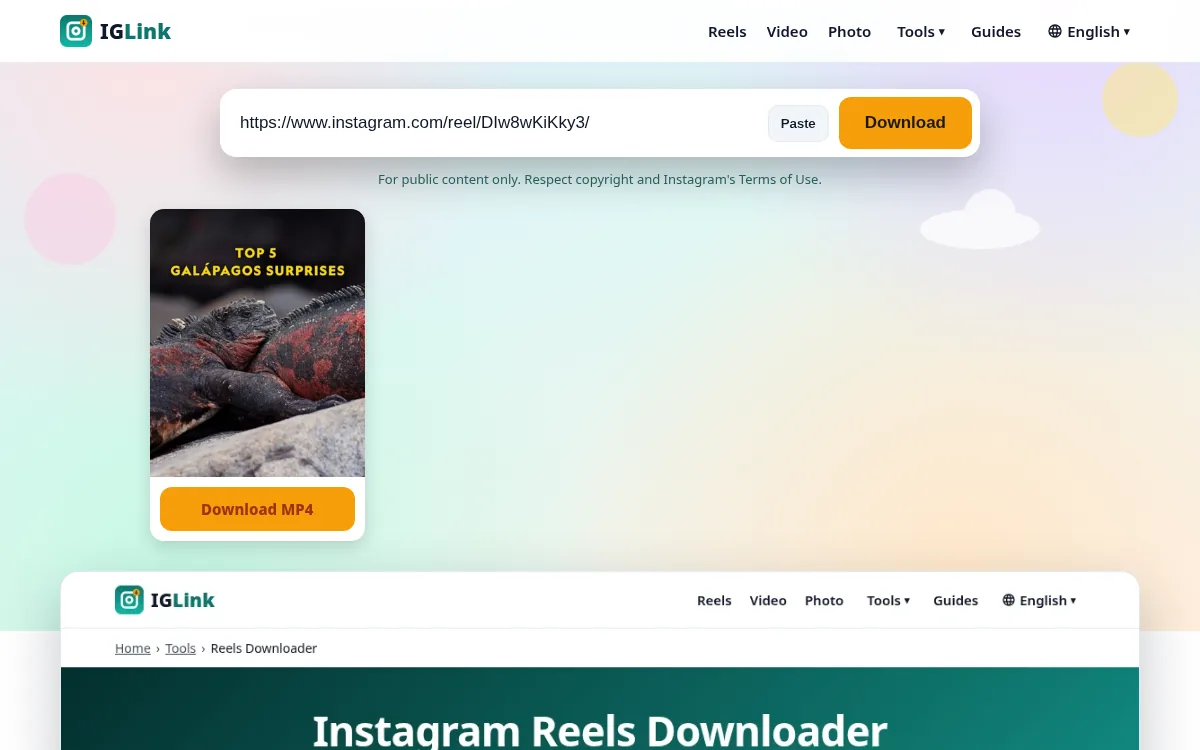
Save the file
A preview appears in a few seconds. Tap Download under the item you want and the file is saved to your device.
Why people choose IGLink
Original quality, never re-encoded
We pass along the exact file Instagram serves publicly. No compression, no resizing and no watermark.
Works on every device
A light page (well under 100 KB) that loads fast even on slow mobile data. No app, no extension, no APK.
Private by design
No account, no tracking pixels, no stored downloads. We never ask for your Instagram password.
Honest about limits
If something can't be downloaded (private posts, Stories behind login), we tell you why instead of showing fake buttons.
What you can download
| Content | Link type | Output | Supported |
|---|---|---|---|
| Reels | /reel/… | MP4 (HD) | ✅ Yes |
| Video posts | /p/… | MP4 | ✅ Yes |
| Photos | /p/… | JPG up to 1440 px | ✅ Yes |
| Carousels (up to 20 slides) | /p/… | JPG + MP4 per slide | ✅ Yes |
| Old IGTV | /tv/… | MP4 | ✅ Yes |
| Reel audio | /reel/… | MP3 192 kbps | ✅ Yes |
| Thumbnails | /reel/… | JPG | ✅ Yes |
| Profile pictures | username | JPG | ✅ Yes |
| Stories & Highlights | /stories/… | – | ❌ Needs login (not supported) |
| Private accounts | any | – | ❌ Never |
Pros and cons of using an online Instagram downloader
Pros
- Nothing to install
- Works on iPhone, where most apps are blocked
- Original quality files
- Free and quick
Cons
- Only public content
- One link at a time
- Instagram changes can cause short outages
Latest Instagram news
Instagram Adds AI Song Creation to DMs
2026-10-04
Instagram's Edits App Now Lets You Build Carousels
2026-10-07
Edits Assistant: Instagram's AI Coach That Reads Your Insights
2026-09-30
Popular guides
Frequently asked questions
What is IGLink?
IGLink is a free online Instagram downloader. Paste a link to a public reel, video, photo or carousel and save the original file. It runs in your browser, with no app and no account.
Is it free to download Instagram reels here?
Yes, 100% free with no sign-up. We don't limit how many public reels you save for personal use.
Do I need to log in to Instagram?
No. We never ask for your Instagram username or password, and you should never give it to any downloader site.
Which devices are supported?
Any phone, tablet or computer with a modern browser: iPhone (Safari), Android (Chrome, Samsung Internet), Windows, macOS, Linux and ChromeOS.
Can I download Stories and Highlights?
Instagram now requires a logged-in session to view Stories and Highlights, and we don't use accounts. See our Story page for honest alternatives.
Is downloading Instagram videos legal?
Saving public content for personal use is usually fine. Reposting or selling it without the creator's permission is not. Read our plain-English legal guide.
Do you keep a copy of what I download?
No. We don't store media files or your download history. Short-lived technical caching of a link lasts at most 10 minutes.
Why did my download fail?
Most often the post is private, deleted or age-restricted. Read our 9 fixes guide.