How-to guides
How to Copy an Instagram Link (Post, Reel or Profile)
By the IGLink team ·
Every IGLink tool starts with a link. Here's how to get one from anywhere in Instagram.
Copy a reel or post link in the app
Tap the paper-plane Share icon under the post, then tap Copy link. On some versions it's under the three dots (…).
Copy a profile link
On a profile, tap the three dots at the top right, then Copy profile URL. Or just use the username.
Copy on desktop
Open the post on instagram.com and copy the address bar, or click … › Copy link.
What a correct link looks like
| Type | Example |
|---|---|
| Reel | https://www.instagram.com/reel/DIw8wKiKky3/ |
| Post | https://www.instagram.com/p/DTK6R8zAaRM/ |
| Profile | https://www.instagram.com/natgeo/ |
Step-by-step with screenshots
- 1
Open the post
Find the reel or post you want in the Instagram app.
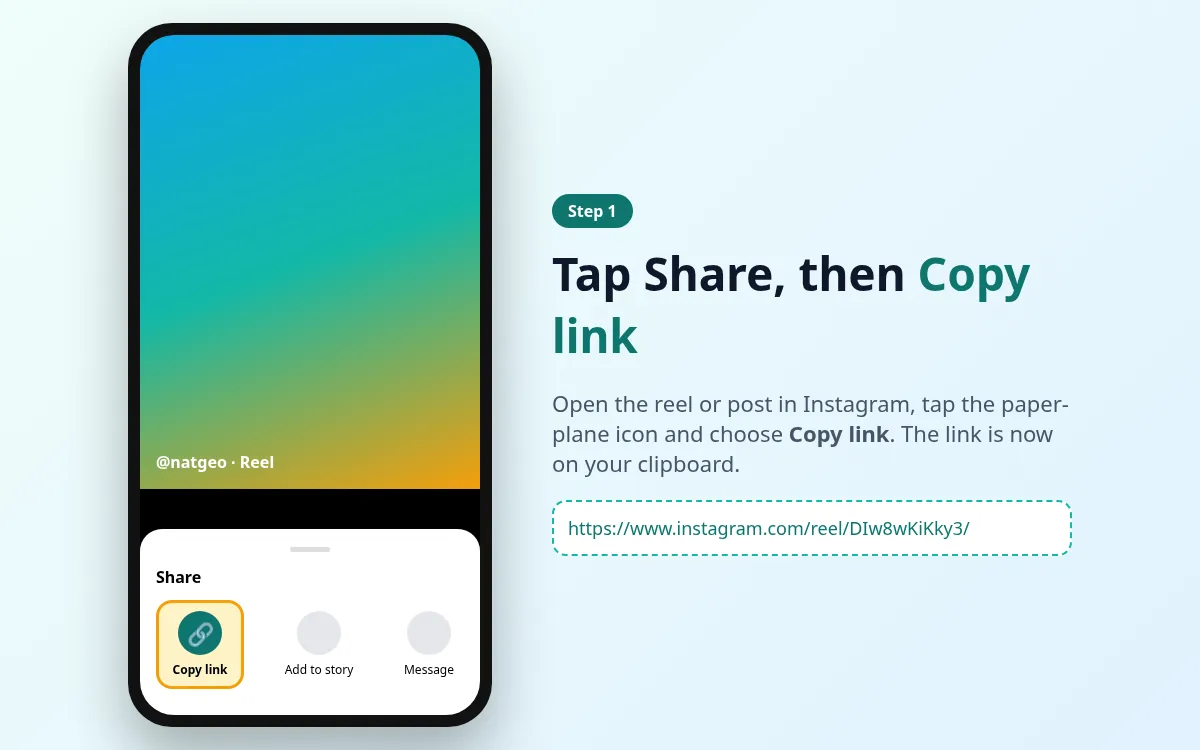
- 2
Tap Share
Tap the paper-plane icon below the post.
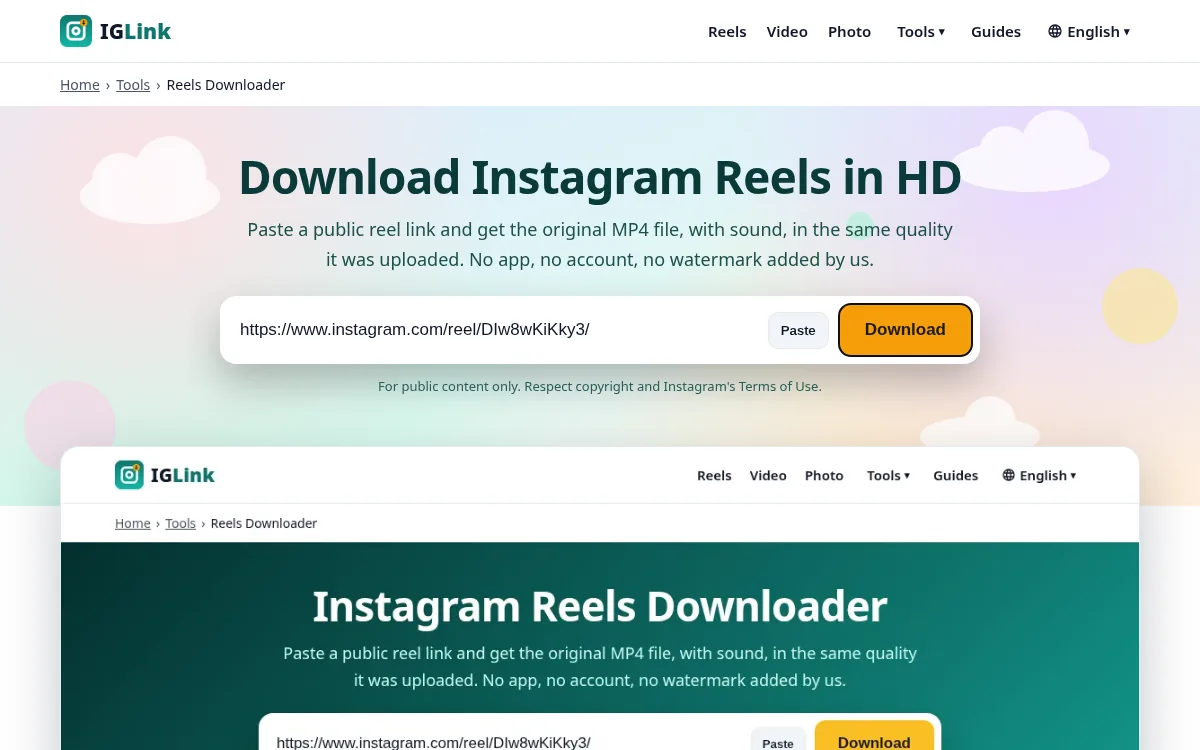
- 3
Tap Copy link
The link is now on your clipboard and ready to paste.