How-to guides
How to Save Audio from Instagram Reels
By the IGLink team ·
Option A: Save the audio inside Instagram
Tap the audio name at the bottom of the reel, then tap Save audio. You'll find it under Saved › Audio and can use it in your own reels legally.
Option B: Download it as MP3
- Copy the reel link.
- Paste it into Instagram to MP3.
- Tap Download MP3.
Which option should you use?
| Goal | Best option |
|---|---|
| Make your own reel with the sound | A – save inside Instagram |
| Listen offline | B – MP3 |
| Transcribe a talk | B – MP3 |
Step-by-step with screenshots
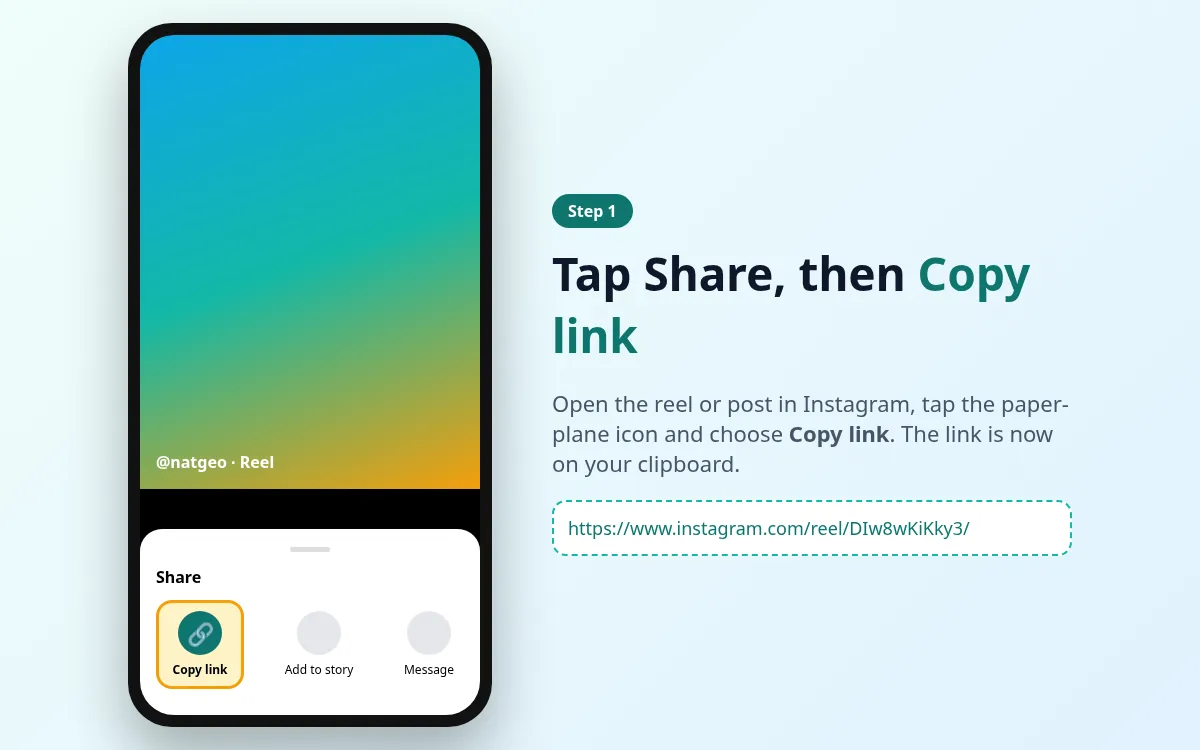
- 1
Copy the reel link
Tap Share › Copy link.
- 2
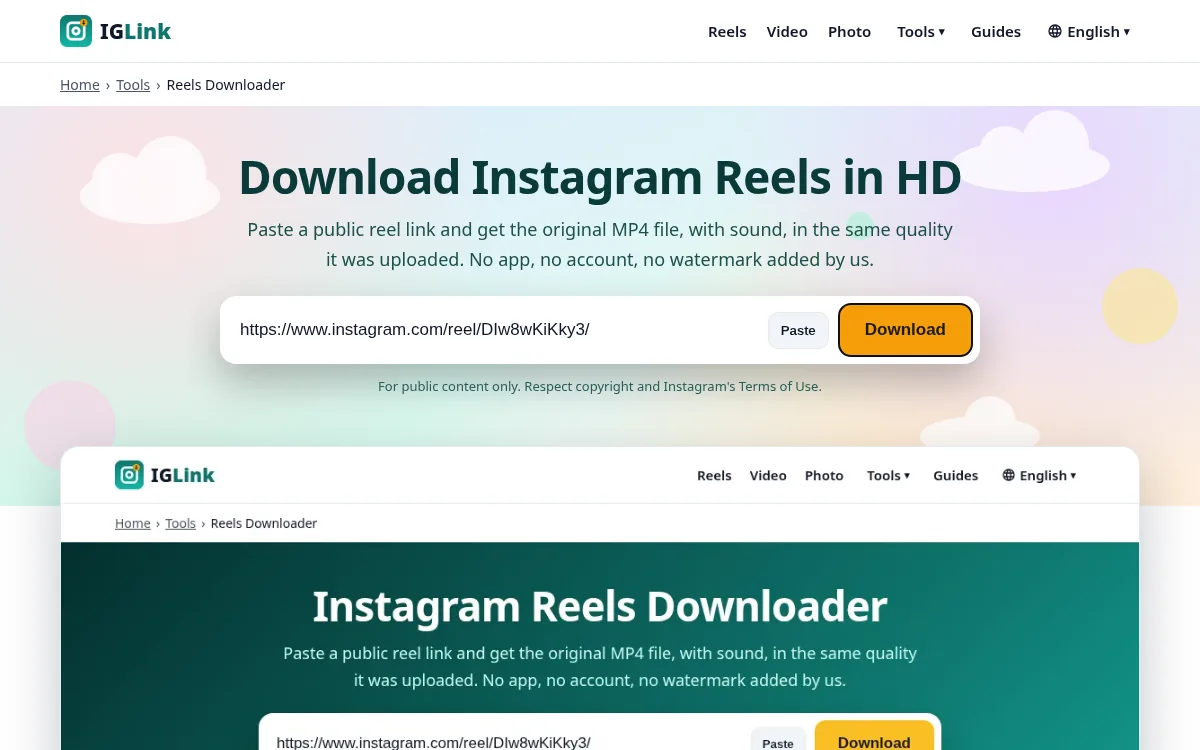
Paste into Instagram to MP3
Open the tool and paste the link.
- 3
Download MP3
Tap Download MP3 when it's ready.