How-to guides
How to Download Instagram Photos to Your Phone
By the IGLink team ·
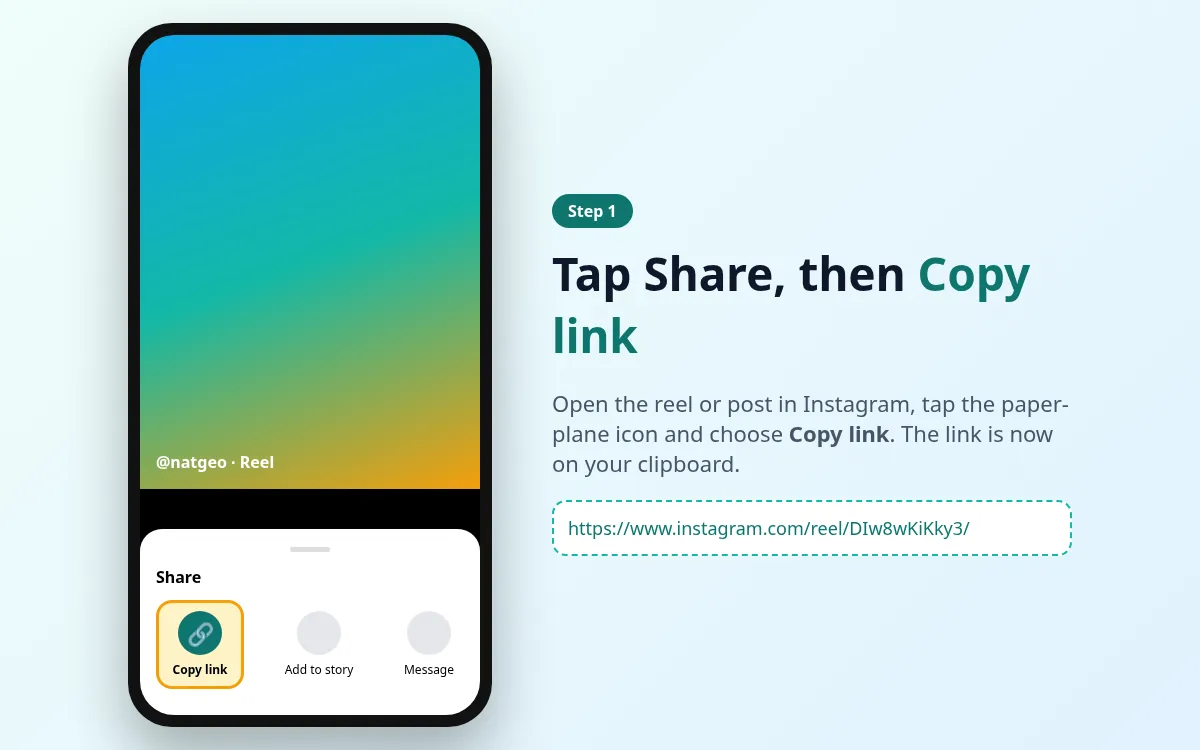
Step 1: Copy the post link
Tap Share › Copy link on the photo post.
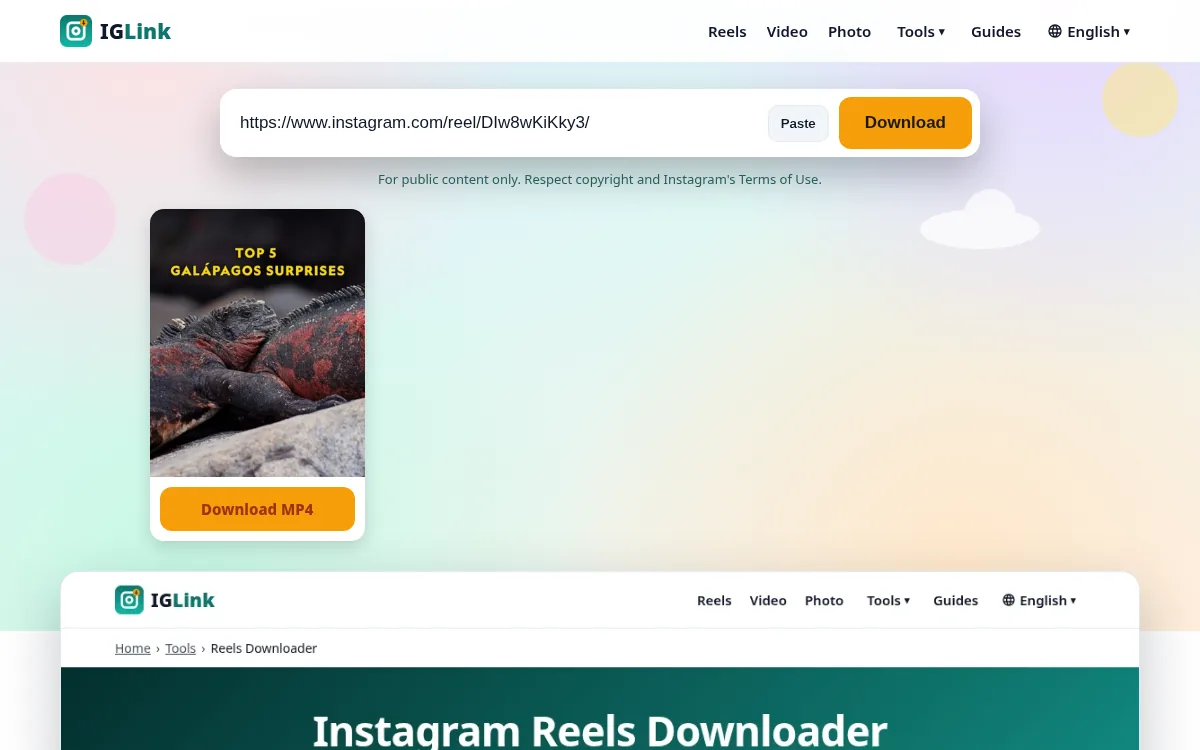
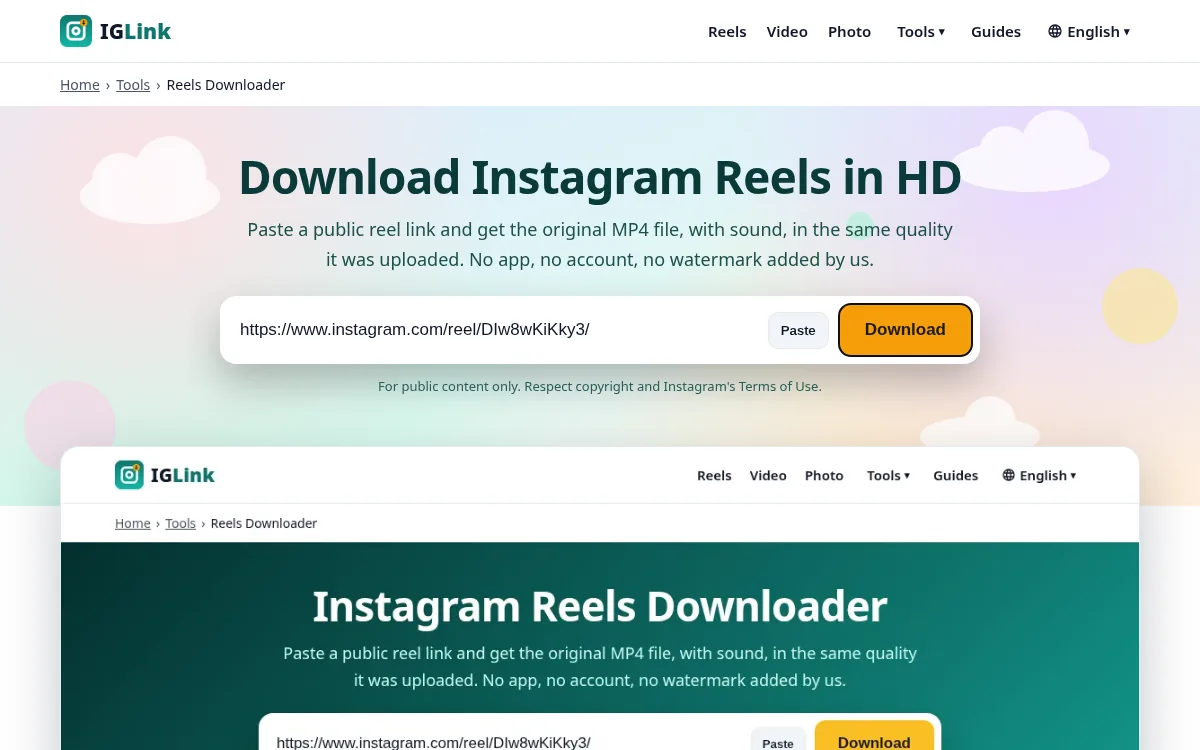
Step 2: Paste it into the Photo Downloader
Open the Photo Downloader and paste.
Step 3: Save the JPG
Tap Download under the photo. On iPhone, open it from Files and tap Save Image.
Step-by-step with screenshots
- 1
Copy the post link
Tap Share › Copy link.
- 2
Paste into IGLink
Open the Photo Downloader and paste the link.
- 3
Save the photo
Tap Download under the picture.