
Instagram Highlights Downloader
Highlights are Stories pinned to a profile. Like Stories, they now need a login to view, so here we explain the honest options for saving them.
For public content only. Respect copyright and Instagram's Terms of Use.
Stories and Highlights need a logged-in Instagram session, so this public tool can't fetch them. Read below for what works.
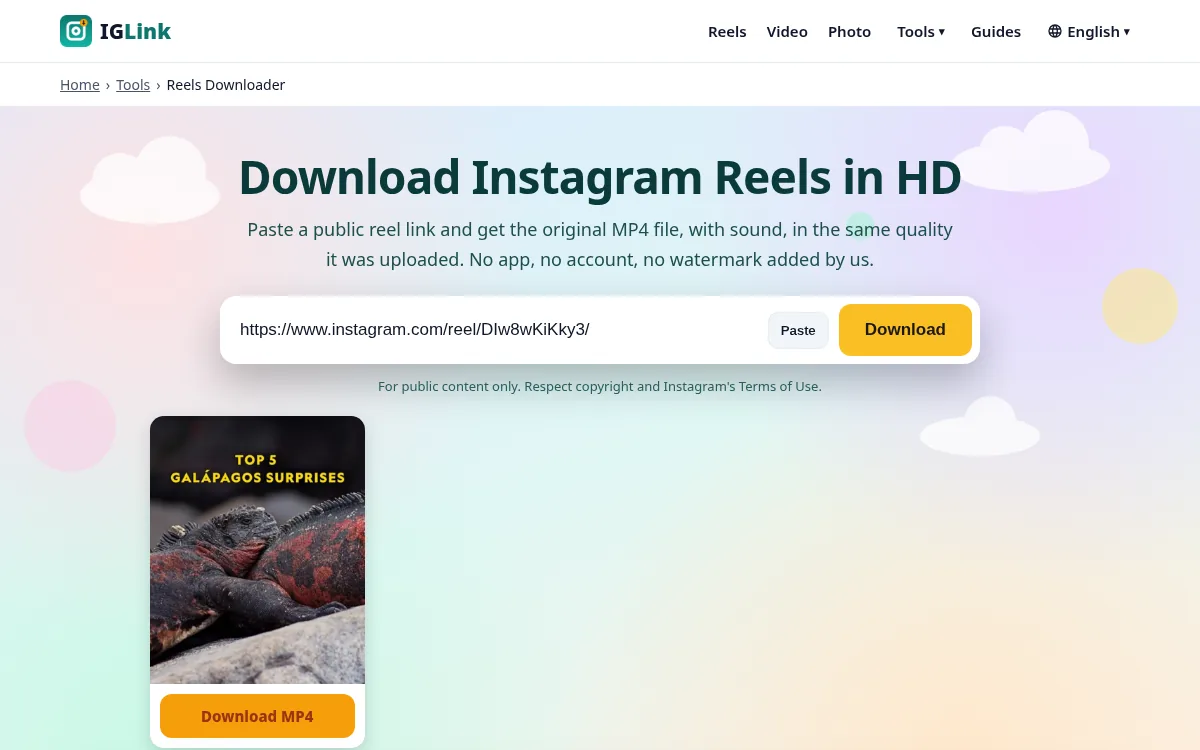
How to use the Instagram Highlights Downloader
- 1
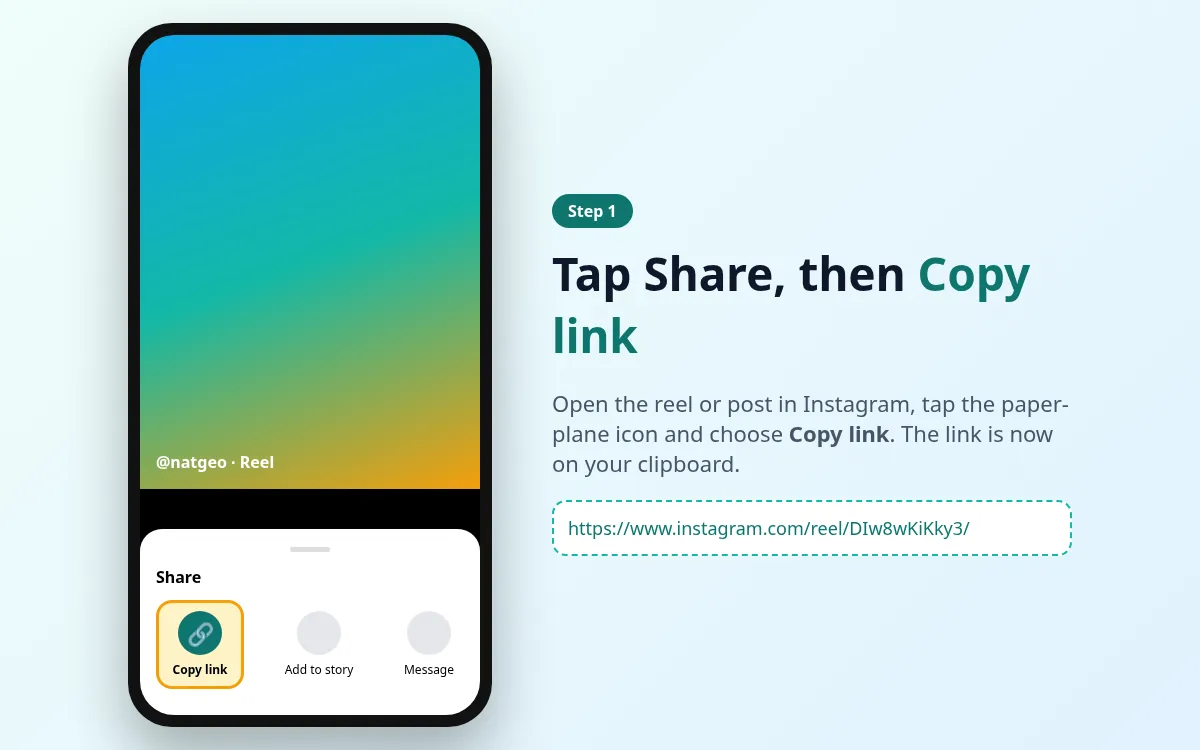
Copy the Instagram link
Open the highlight in the Instagram app or on instagram.com. Tap the Share (paper plane) icon or the three dots, then tap Copy link.
- 2
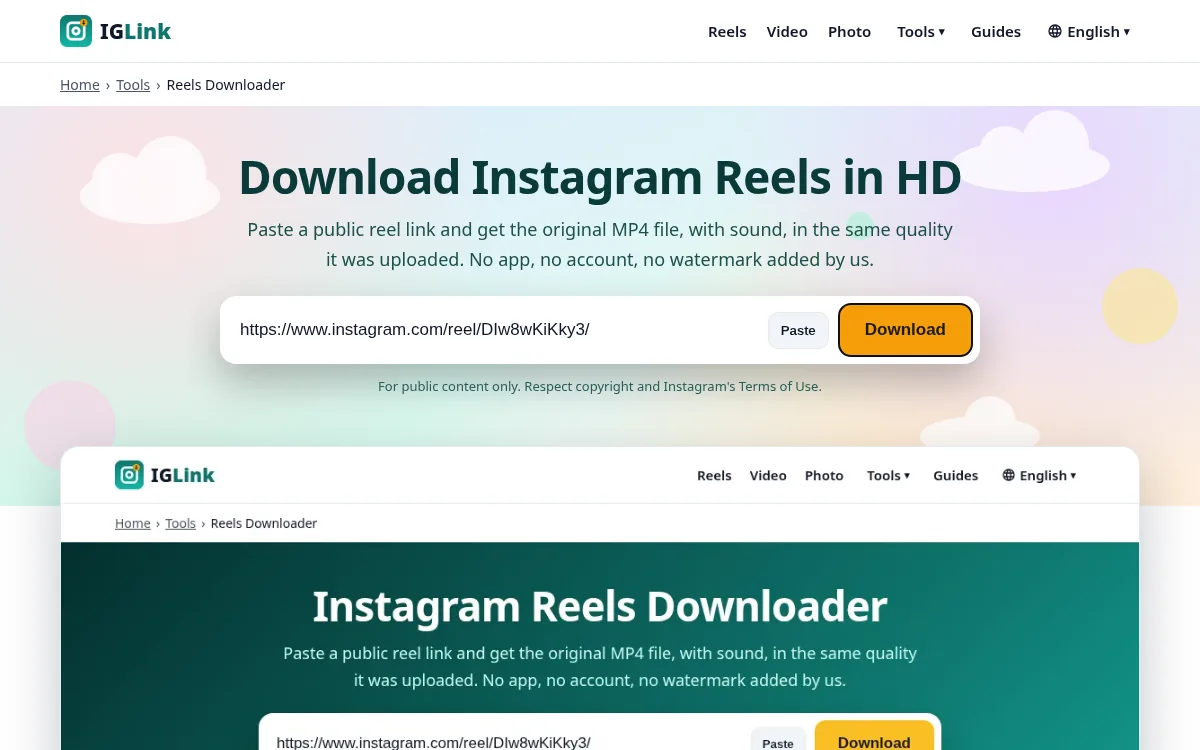
Paste it into IGLink
Come back to this page, tap the input box and press Paste (or Ctrl+V / Cmd+V). Then tap Download.
- 3
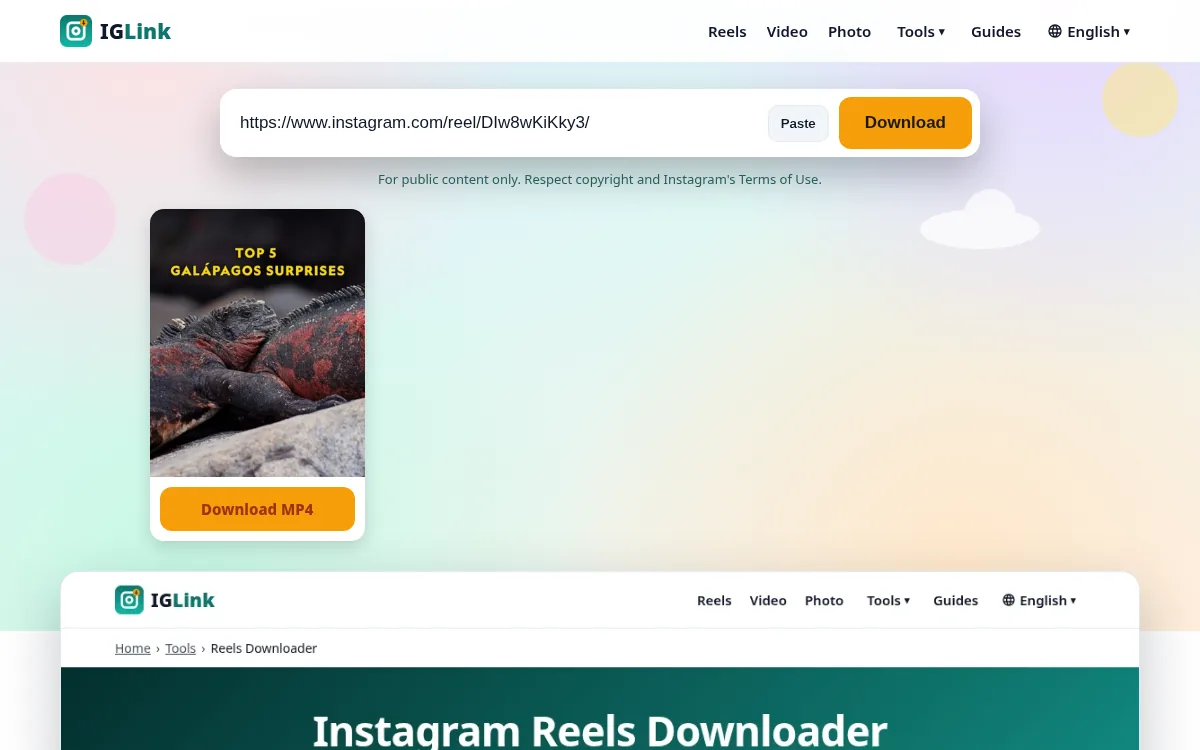
Save the file
A preview appears in a few seconds. Tap Download under the item you want and the file is saved to your device.
What is the Instagram Highlights Downloader?
A Highlight is a saved group of Stories that sits under the bio, with a round cover. Viewing them requires a logged-in session, so our public tool can't fetch them. You can still save your own Highlights, and many creators upload the same clips as reels.
Save your own Highlights
Open the Highlight, pause on the clip, tap More › Save (on some versions it is under Edit Highlight). To save all of them at once, request your data from Accounts Center.
Features at a glance
| Feature | IGLink | Screen recording / screenshot |
|---|---|---|
| Quality | Original file | Reduced, re-encoded |
| Sound | Yes | Often missing or noisy |
| Login needed | No | No |
| Time | ~5 seconds | As long as the video |
| Extra icons on screen | None | Status bar, buttons |
Pros and cons
Pros
- Free, no sign-up
- Original resolution
- Works on iPhone, Android and desktop
- No watermark added
Cons
- Public content only
- One link at a time
- Depends on Instagram's public pages staying available
Tips for the best results
- Paste the link straight from Instagram's Copy link button.
- Use Wi-Fi for long videos.
- If you get an error, open the link in a private window to check it's public.
- Always credit the creator if you share their work, and ask first.
Related guides
More Instagram tools
Reels Downloader
Paste a public reel link and get the original MP4 file, with sound, in the same quality it…
Video Downloader
Save videos from public Instagram posts, reels and old IGTV links as MP4 files. It works i…
Photo Downloader
Get the full-resolution JPG of any public Instagram picture, up to 1440 px wide, instead o…
Carousel Downloader
Carousels hold up to 20 photos and videos. Paste the post link and we show every slide in …
Story Downloader
Paste a story link to check it. Since Instagram now requires a logged-in session to view S…
IGTV Downloader
IGTV was folded into reels and video posts in 2022, but millions of old /tv/ links still w…
Instagram Highlights Downloader FAQ
Can I download someone else's Highlights?
Not with this tool. It would need a logged-in session, which we don't use.
Can I download the Highlight cover?
Covers are small (around 150 px), so they aren't useful as images. We don't offer this.
Is there another way?
Ask the creator, or check whether the clip is also posted as a reel and use the Reels Downloader.
IGLink is not affiliated with Instagram or Meta. Use it for public content only, and respect copyright and Instagram's Terms of Use. See our DMCA policy.