How-to guides
How to Download Instagram Reels in 3 Easy Steps
By the IGLink team ·
This is the fastest method that works on every device.
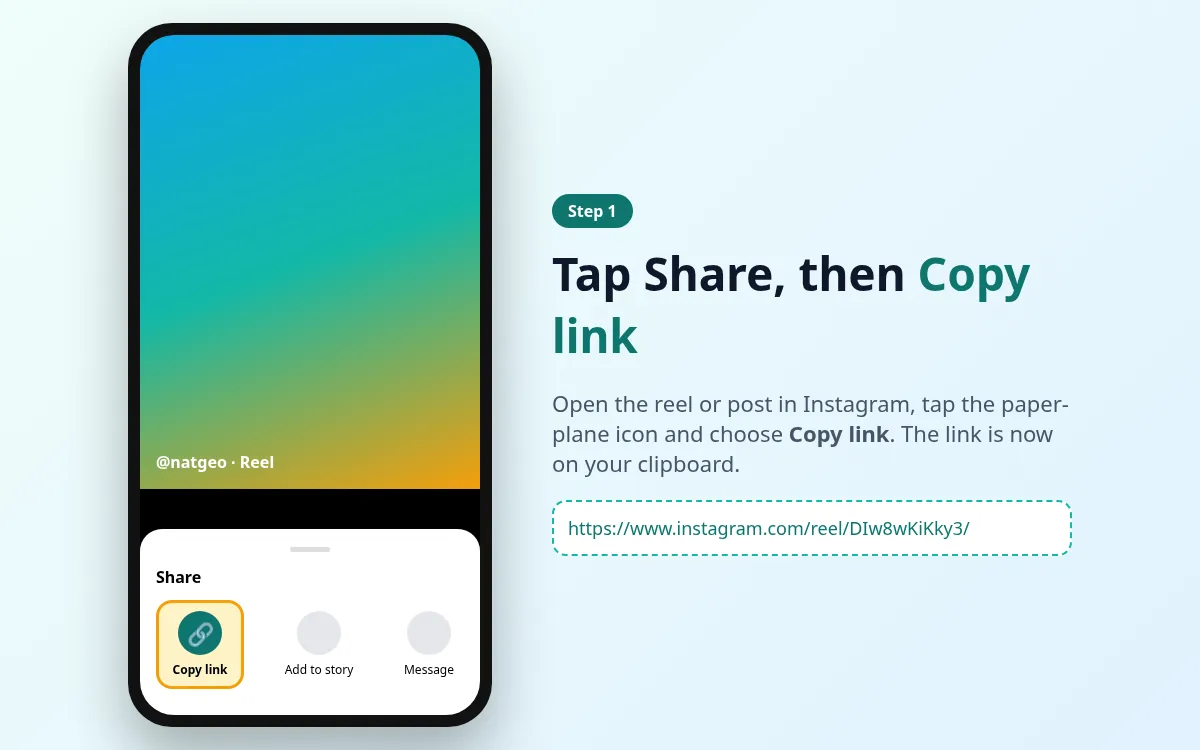
Step 1: Copy the reel link
Open the reel, tap Share and choose Copy link.
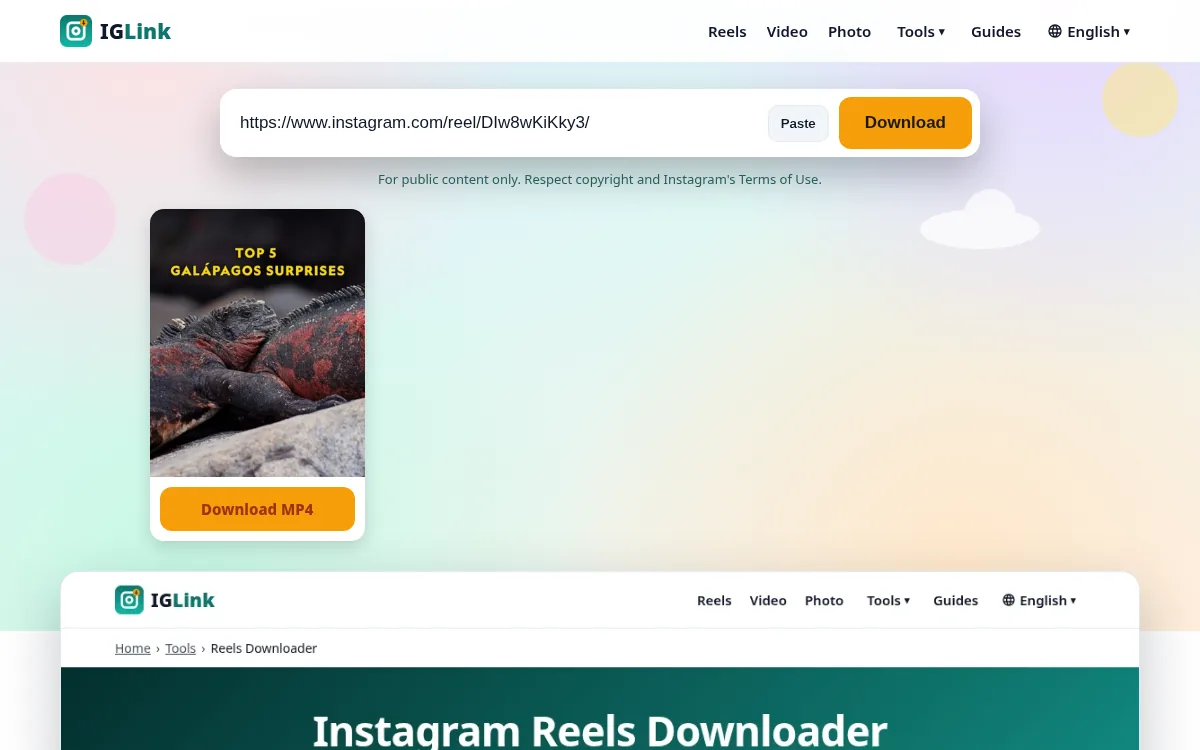
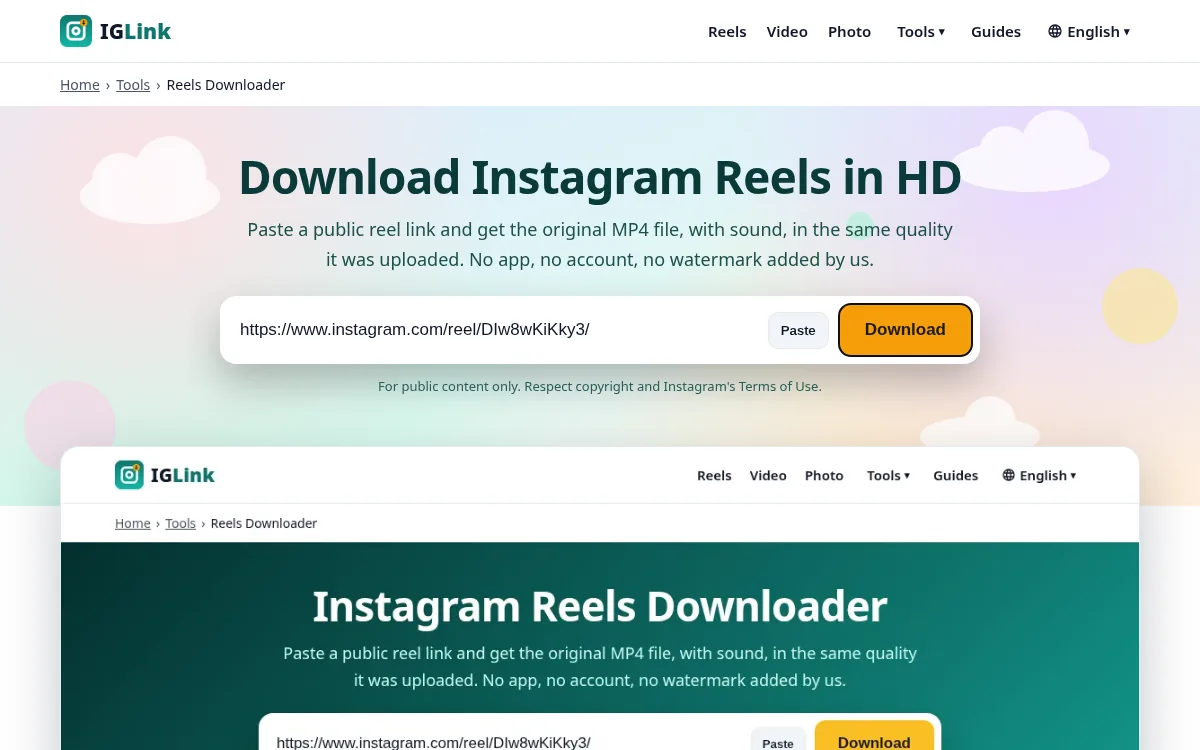
Step 2: Paste it into IGLink
Open the Reels Downloader, paste the link and tap Download.
Step 3: Save the MP4
Tap Download MP4 under the preview. The file goes to your Downloads folder.
Quick checklist
- The reel is public
- You pasted the full link
- You have enough free storage
Step-by-step with screenshots
- 1
Copy the reel link
In Instagram tap Share › Copy link.
- 2
Paste into IGLink
Open the Reels Downloader, paste the link and tap Download.
- 3
Save the MP4
Tap Download MP4 under the preview.