How-to guides
How to Repost an Instagram Reel the Right Way (With Credit)
By the IGLink team ·
Use Instagram's own tools first
- Share to your Story: tap Share › Add to story. The creator is credited automatically.
- Repost: tap the repost icon to share it with your followers, with the original creator shown.
- Remix: respond side-by-side with your own clip.
If you download and reupload
- Ask the creator for permission by DM.
- Tag them in the caption and on the video.
- Don't crop out their watermark or name.
- Don't monetise it without a written agreement.
Pros and cons of reuploading
Pros: you control the caption and the post stays on your grid.
Cons: you lose the original's likes and comments, and you need permission.
Step-by-step with screenshots
- 1
Ask permission
Send the creator a DM explaining how you'll use the reel.
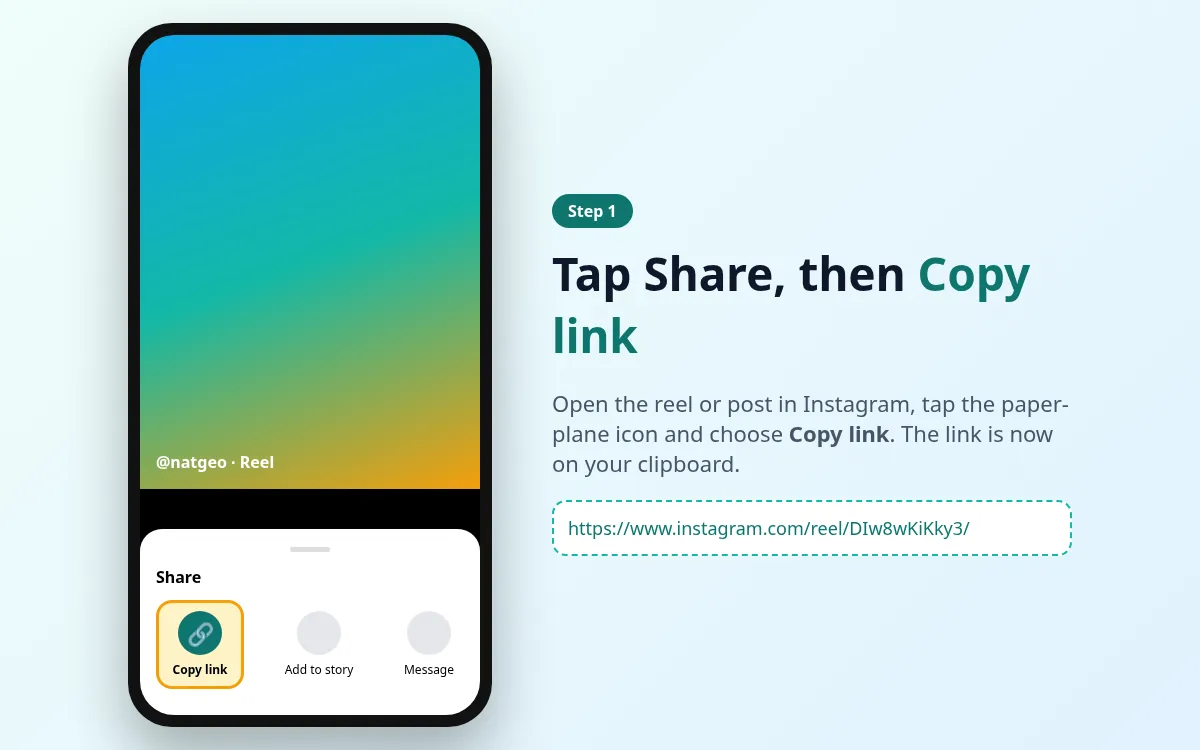
- 2
Download the reel
Use the IGLink Reels Downloader.
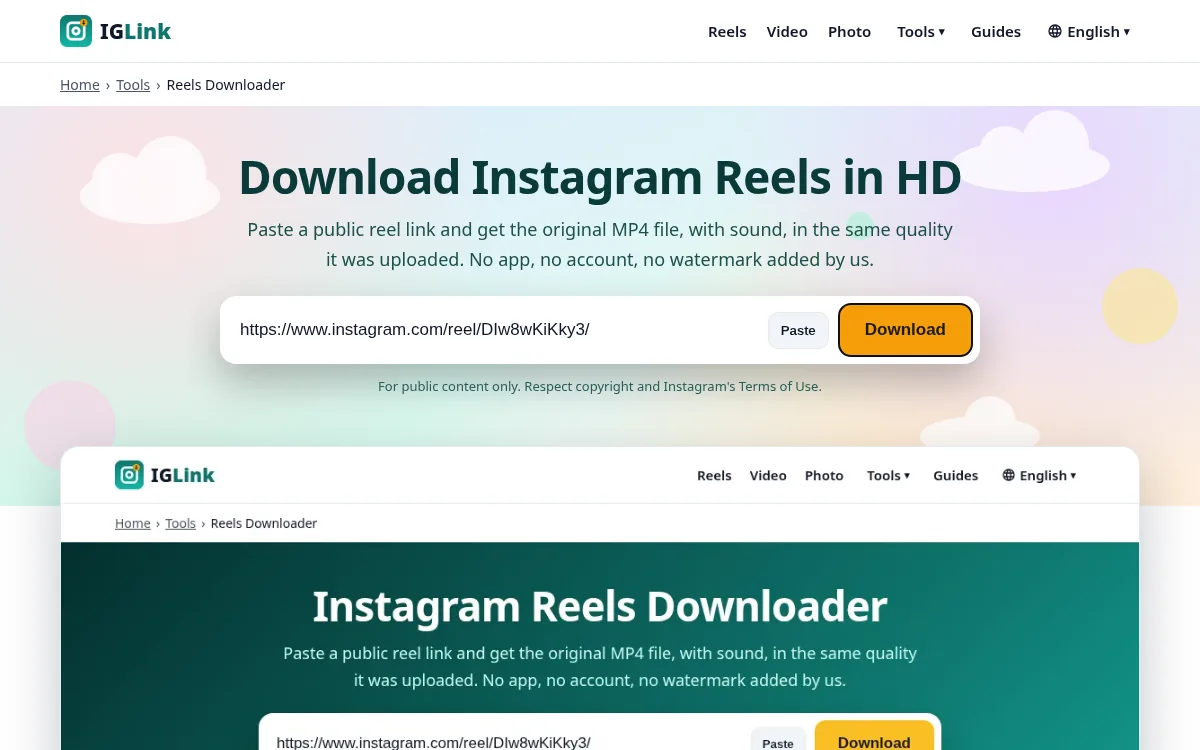
- 3
Post with credit
Tag the creator in the caption and on screen.