
Instagram Story Downloader
Paste a story link to check it. Since Instagram now requires a logged-in session to view Stories, our public tool can't fetch other people's Stories. Below we explain exactly what works instead.
For public content only. Respect copyright and Instagram's Terms of Use.
Stories and Highlights need a logged-in Instagram session, so this public tool can't fetch them. Read below for what works.
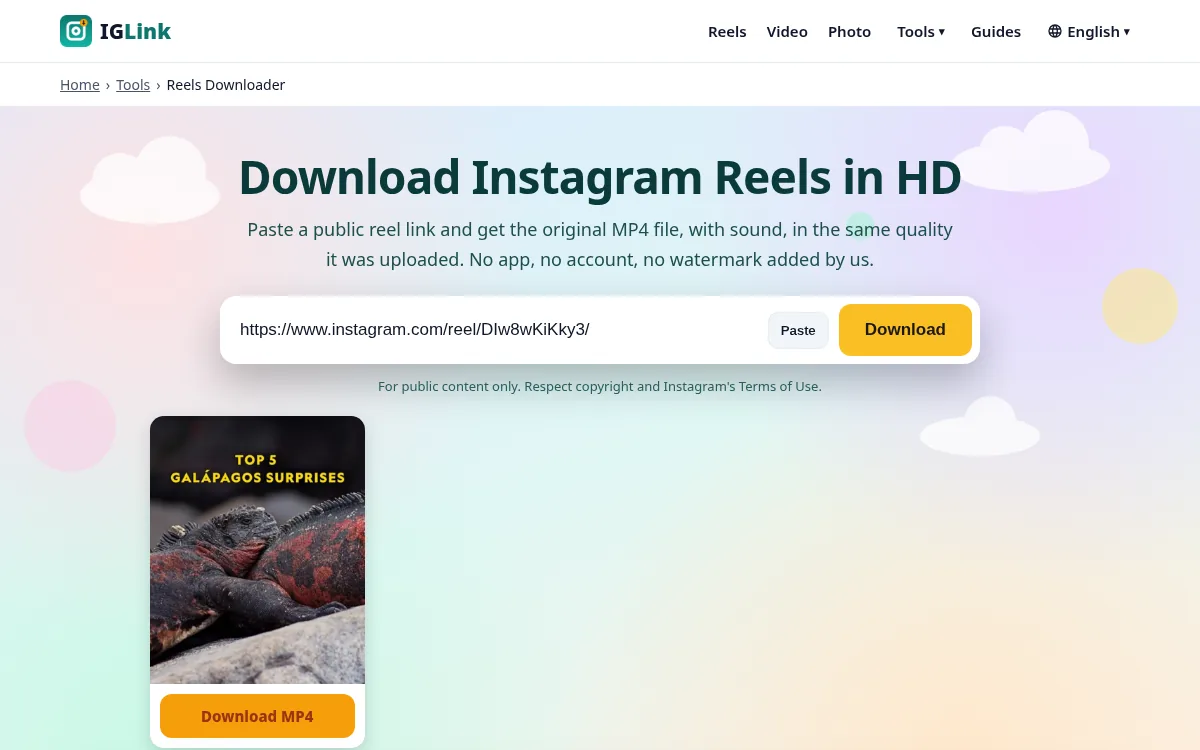
How to use the Instagram Story Downloader
- 1
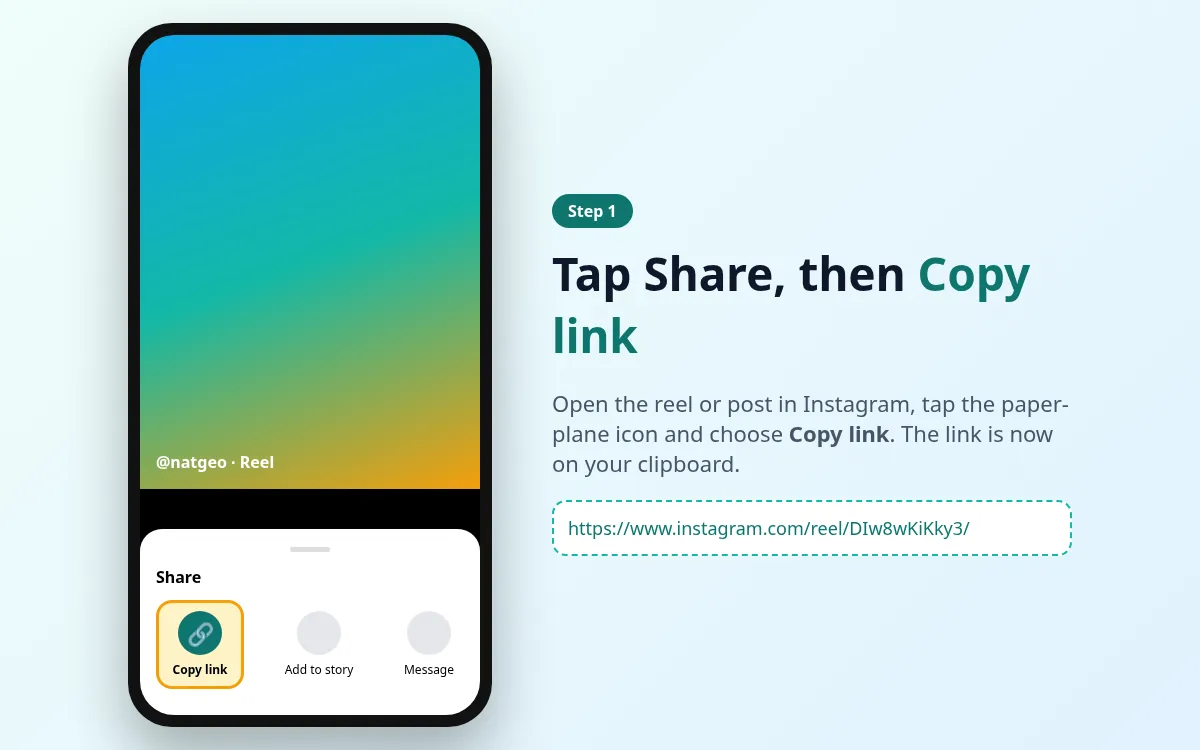
Copy the Instagram link
Open the story in the Instagram app or on instagram.com. Tap the Share (paper plane) icon or the three dots, then tap Copy link.
- 2
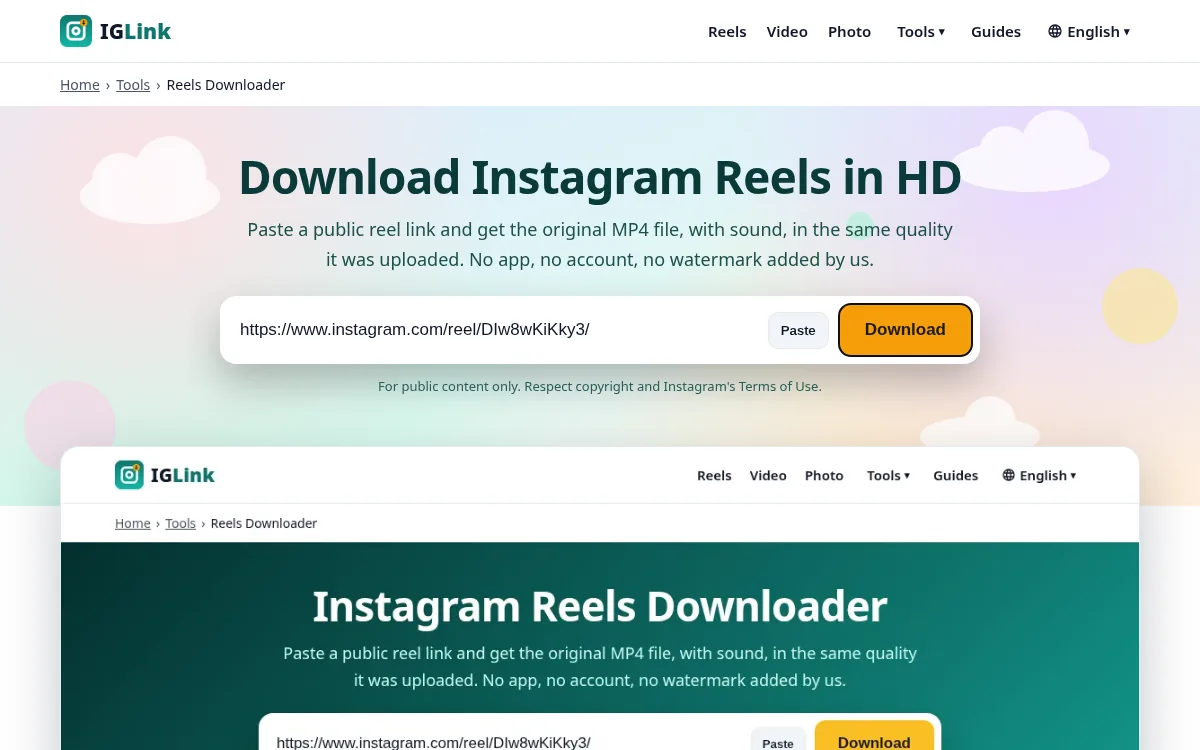
Paste it into IGLink
Come back to this page, tap the input box and press Paste (or Ctrl+V / Cmd+V). Then tap Download.
- 3
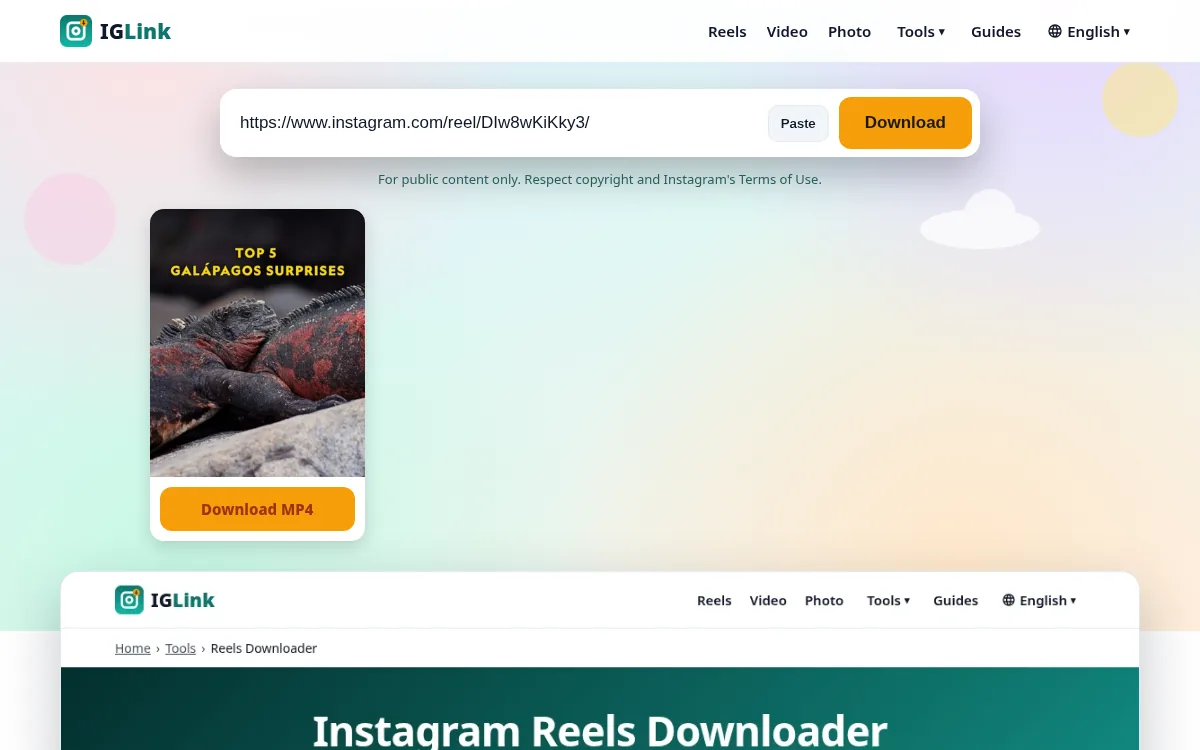
Save the file
A preview appears in a few seconds. Tap Download under the item you want and the file is saved to your device.
What is the Instagram Story Downloader?
Stories disappear after 24 hours unless they are added to a Highlight. Over the past two years Instagram locked the Stories viewer behind a login for anyone who isn't signed in. Tools that still claim to download any Story anonymously usually log in with throwaway accounts, which breaks Instagram's terms and stops working often. We decided not to do that, so we can't fetch other people's Stories. You can always save your own.
How to save your own Story
Open your Story, tap the three dots (More) and choose Save. Or turn on Settings › Archiving and downloading › Save story to archive, so every Story is kept automatically. To get a copy of all of them, use Accounts Center › Your information and permissions › Download your information.
What about Stories shared as reels?
Many creators repost the same clip as a reel. If they did, paste the reel link into our Reels Downloader and it will work.
Features at a glance
| Feature | IGLink | Screen recording / screenshot |
|---|---|---|
| Quality | Original file | Reduced, re-encoded |
| Sound | Yes | Often missing or noisy |
| Login needed | No | No |
| Time | ~5 seconds | As long as the video |
| Extra icons on screen | None | Status bar, buttons |
Pros and cons
Pros
- Free, no sign-up
- Original resolution
- Works on iPhone, Android and desktop
- No watermark added
Cons
- Public content only
- One link at a time
- Depends on Instagram's public pages staying available
Tips for the best results
- Paste the link straight from Instagram's Copy link button.
- Use Wi-Fi for long videos.
- If you get an error, open the link in a private window to check it's public.
- Always credit the creator if you share their work, and ask first.
Related guides
More Instagram tools
Reels Downloader
Paste a public reel link and get the original MP4 file, with sound, in the same quality it…
Video Downloader
Save videos from public Instagram posts, reels and old IGTV links as MP4 files. It works i…
Photo Downloader
Get the full-resolution JPG of any public Instagram picture, up to 1440 px wide, instead o…
Carousel Downloader
Carousels hold up to 20 photos and videos. Paste the post link and we show every slide in …
Highlights Downloader
Highlights are Stories pinned to a profile. Like Stories, they now need a login to view, s…
IGTV Downloader
IGTV was folded into reels and video posts in 2022, but millions of old /tv/ links still w…
Instagram Story Downloader FAQ
Why can't you download Stories?
Instagram only shows Stories to logged-in viewers now. Our tool doesn't use any account, so it can't open them. We'd rather be honest than break Instagram's rules.
Can I download my own Stories?
Yes, from the Instagram app (three dots › Save) or from your Story archive.
Do anonymous story viewers work?
Most of them use shared accounts and break often. Using them can also put you at risk. We don't recommend them.
Does Instagram tell people when I screenshot their Story?
No. Instagram only notifies for screenshots of disappearing photos and videos in DMs, not Stories.
IGLink is not affiliated with Instagram or Meta. Use it for public content only, and respect copyright and Instagram's Terms of Use. See our DMCA policy.