
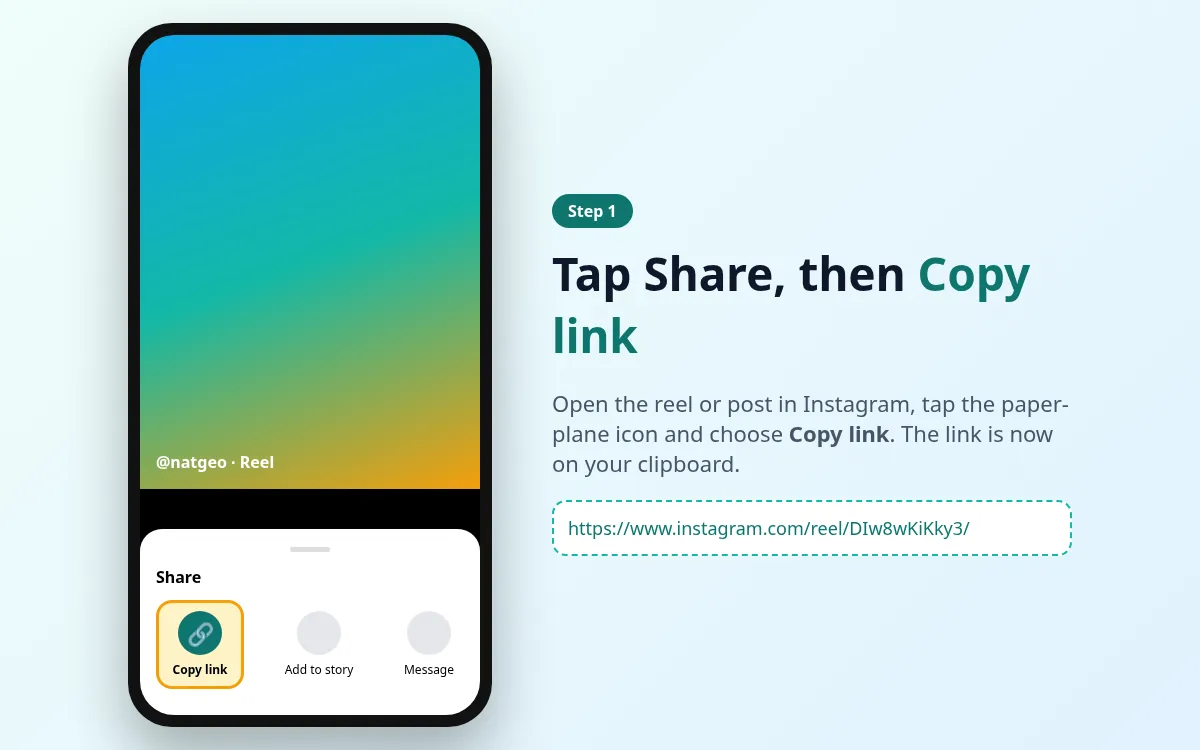
Copy the video link
In TikTok, open the video → Share → Copy link.
Paste a public TikTok video link and save the MP4 without a watermark from us. Works on phone and desktop browsers.
Public content only. Respect copyright. Not affiliated with TikTok, ByteDance, Instagram or Meta.
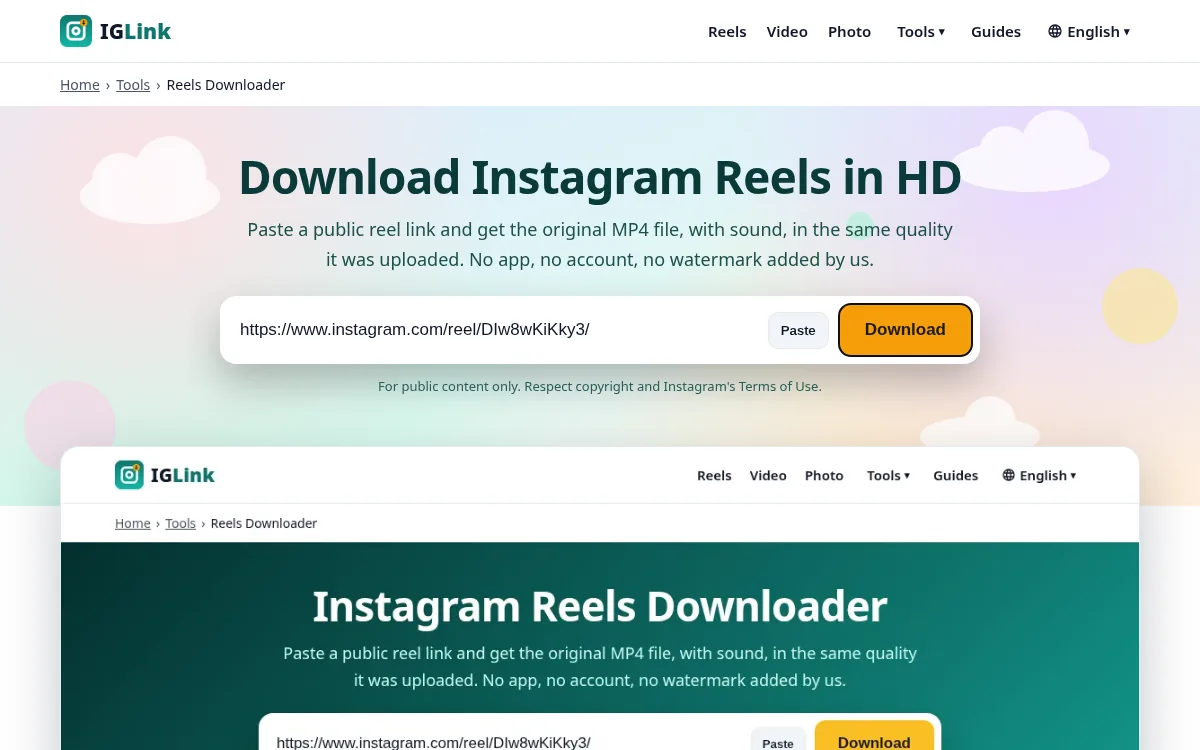
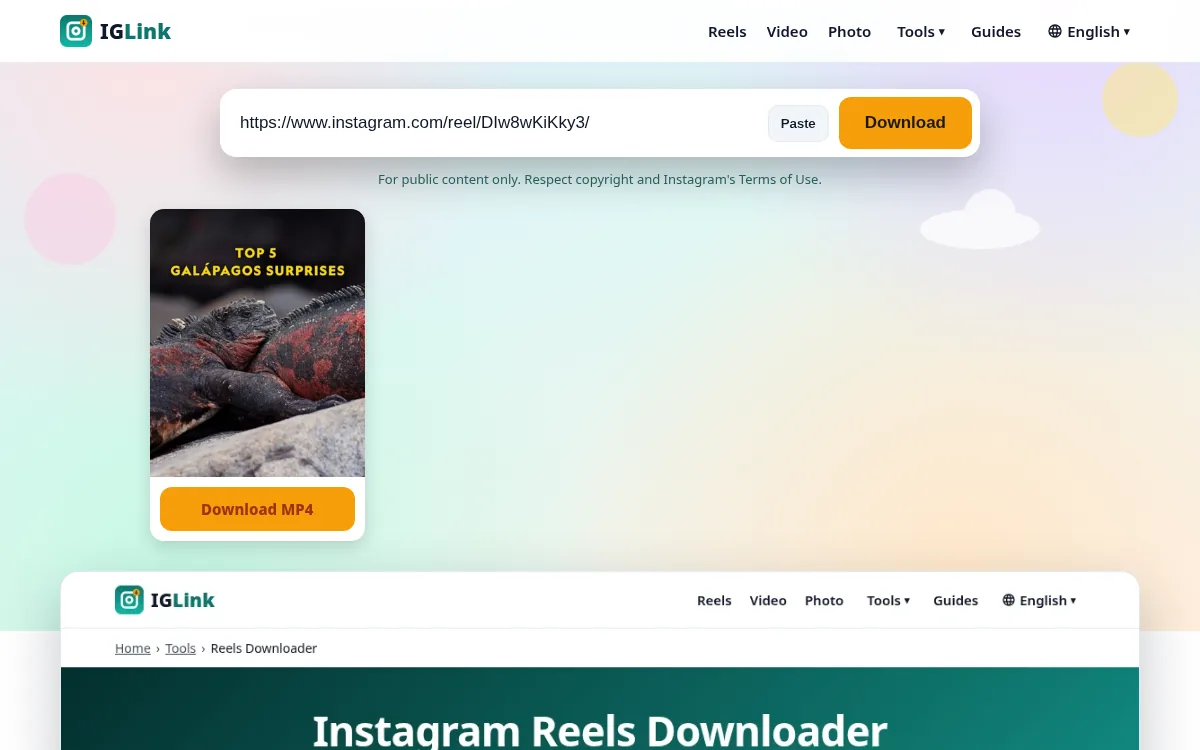
Use IGLink to download public TikTok videos as MP4 files. We resolve the same public stream the open web can see — no TikTok login and no watermark added by us.
No app installs. No account. Public content only.
In TikTok, open the video → Share → Copy link.
Open the TikTok Video Downloader and paste the URL.
Tap Download and keep the public file on your device.
An honest comparison. We do not invent unlock features we cannot ship.
| Topic | IGLink | Screenshot / screen record | Unofficial apps |
|---|---|---|---|
| Quality | Public source stream | Soft, UI chrome visible | Varies; often shady |
| Watermark from tool | None from IGLink | Screen UI only | Sometimes branded |
| TikTok / IG login | Never required | Uses your session | Often requested — avoid |
| Install required | No — browser only | Built into OS | APK / TestFlight risk |
| Private content | Blocked on purpose | If you can view it | Risky unlocker claims |
Editors gathering public references, travellers saving public clips offline, and creators backing up their own public uploads.
Everything you need from a modern TikTok viewer and downloader — and nothing you do not.
No app install and no TikTok password. Paste a public username or link and view available results.
We refuse private accounts on purpose. Clear errors beat fake unlock buttons.
Most public profiles and video links resolve in a few seconds when the source is reachable.
Pair the viewer with the TikTok Video Downloader for offline MP4 copies of public clips.
No TikTok login, no permanent media archive of your lookups.
The same pages work in Safari, Chrome, Firefox, Edge and Samsung Internet.
The same browser flow works everywhere.
Open Safari, go to iglink.pro, enter a public TikTok username or profile URL, then tap View Profile. For downloads, paste a video link on the TikTok Video Downloader page.
Use Chrome (or Firefox), paste a username or profile URL on the homepage, or a video URL on the downloader page.
Use any modern desktop browser. Copy a profile or video link from tiktok.com and paste it into IGLink.
Public tiktok.com/@user/video/… links and many short vm.tiktok.com / vt.tiktok.com links that resolve to a public video.
No. We do not stamp our brand onto your file. TikTok’s own watermark may already be in the source stream.
No. Private or restricted videos cannot be fetched.
No fixed personal-use cap. Automated bulk scraping is not allowed.
We do not send TikTok notifications on your behalf when you resolve a public link.
After Download MP4, open the file and use Share → Save Video if needed.
Rate limits, geo restrictions, or a deleted post. Retry once or confirm the link opens logged out.
This page returns the video file (with audio when the stream includes it).
Use the TikTok Viewer on the homepage for public usernames.
Open TikTok Viewer